 This button will take you to our secure online ordering area.
PAGE 1
The first section, “Design Information”, is a general description of what you wish printed on your shirts. If you clicked the Order Online button from an online design or stock design description page, this section should automatically fill in most of the details for you. Please be sure to double check that your print placement, design details (along with any changes you would like an artist to make for you), and ink colors are all correct.
The next section, “Garment Information”, is where you will choose your shirt type, color, sizes, and quantities. This will generally default to the most recent shirt style you have viewed, or it will show our most popular shirt. If you are wanting a different shirt, or wish to add other shirt styles/colors onto your order, you can add new line items by clicking the green plus sign next to the item in the listing below this section. Once the new line item appears, choose a garment color from the drop down list shown on the left side of the new line item. This will then populate the sizes available for ordering.
Click the blue “Continue” button to move forward.
PAGE 2
The next section, “Contact Information”, will be where you input your Name, Organization, address(es), daytime telephone number(s), and your email address*. You can also choose to receive FREE offers emailed once a month from ClassB.
*We send many emails during the order process, so be sure to check your inbox often! If you don’t receive any emails from us regarding your order, check your SPAM folder or call us at 1-321-252-7727
The next section, “Shipping Information”, you will choose which address (from Contact Informaiton) you wish us to ship to, whether or not you wish us to require a signature on delivery, and your preferred turnaround service*
*The Rush and Priority Options are only available in certain circumstances.
Click the blue “Continue” button to move forward
PAGE 3
The next page is a review of your order information followed by your payment information. Please review all of the information contained on this page for accuracy! You can also apply any coupon codes you may have, at this time. On the lower half of the page you can supply your credit card information (including the billing address of the credit card) or choose to pay by check. If paying with a check, we ask that a copy of the check be faxed to 1-888-744-1409 or emailed to questions@classb.com within 24 hours of order placement. You can keep the original check for your files
Once all of your information is accurately entered, click the blue “Place Your Order” button to submit the order with us. Once submitted, a Customer Representative will review your order before processing your payment.
If you have any questions or problems with the online order process, feel free to call us at 1-321-252-7727!
This button will take you to our secure online ordering area.
PAGE 1
The first section, “Design Information”, is a general description of what you wish printed on your shirts. If you clicked the Order Online button from an online design or stock design description page, this section should automatically fill in most of the details for you. Please be sure to double check that your print placement, design details (along with any changes you would like an artist to make for you), and ink colors are all correct.
The next section, “Garment Information”, is where you will choose your shirt type, color, sizes, and quantities. This will generally default to the most recent shirt style you have viewed, or it will show our most popular shirt. If you are wanting a different shirt, or wish to add other shirt styles/colors onto your order, you can add new line items by clicking the green plus sign next to the item in the listing below this section. Once the new line item appears, choose a garment color from the drop down list shown on the left side of the new line item. This will then populate the sizes available for ordering.
Click the blue “Continue” button to move forward.
PAGE 2
The next section, “Contact Information”, will be where you input your Name, Organization, address(es), daytime telephone number(s), and your email address*. You can also choose to receive FREE offers emailed once a month from ClassB.
*We send many emails during the order process, so be sure to check your inbox often! If you don’t receive any emails from us regarding your order, check your SPAM folder or call us at 1-321-252-7727
The next section, “Shipping Information”, you will choose which address (from Contact Informaiton) you wish us to ship to, whether or not you wish us to require a signature on delivery, and your preferred turnaround service*
*The Rush and Priority Options are only available in certain circumstances.
Click the blue “Continue” button to move forward
PAGE 3
The next page is a review of your order information followed by your payment information. Please review all of the information contained on this page for accuracy! You can also apply any coupon codes you may have, at this time. On the lower half of the page you can supply your credit card information (including the billing address of the credit card) or choose to pay by check. If paying with a check, we ask that a copy of the check be faxed to 1-888-744-1409 or emailed to questions@classb.com within 24 hours of order placement. You can keep the original check for your files
Once all of your information is accurately entered, click the blue “Place Your Order” button to submit the order with us. Once submitted, a Customer Representative will review your order before processing your payment.
If you have any questions or problems with the online order process, feel free to call us at 1-321-252-7727!How do I order the design I created?
July 29, 2011
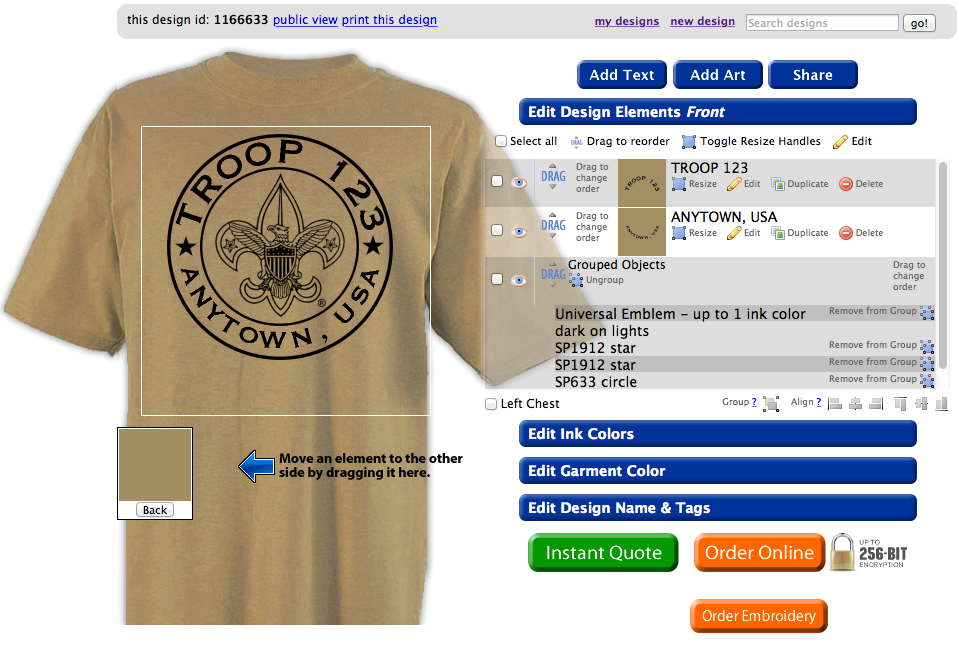
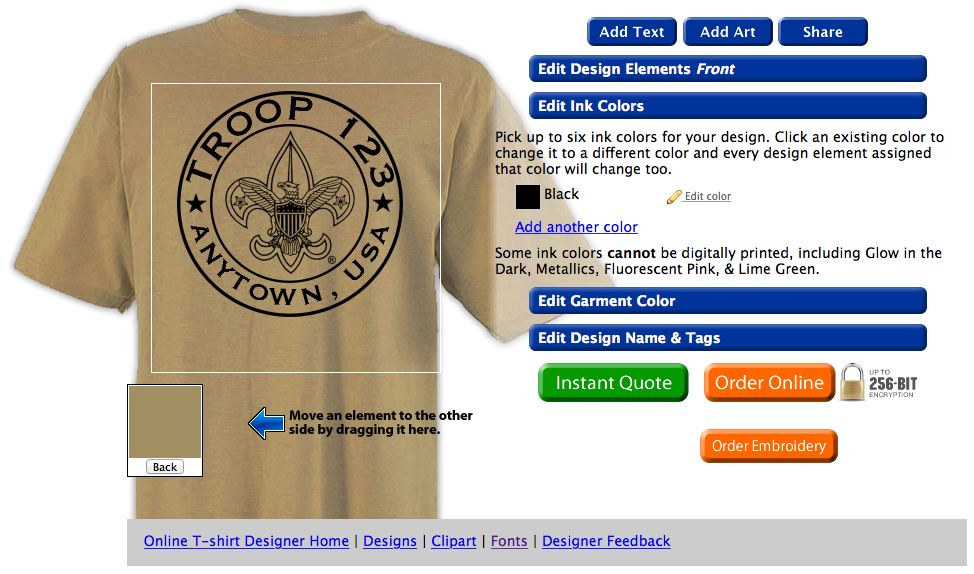
You can place an order online by clicking the orange Order Online button.
This button will take you to our secure online ordering area.
PAGE 1
The first section, “Design Information”, is a general description of what you wish printed on your shirts. If you clicked the Order Online button from an online design or stock design description page, this section should automatically fill in most of the details for you. Please be sure to double check that your print placement, design details (along with any changes you would like an artist to make for you), and ink colors are all correct.
The next section, “Garment Information”, is where you will choose your shirt type, color, sizes, and quantities. This will generally default to the most recent shirt style you have viewed, or it will show our most popular shirt. If you are wanting a different shirt, or wish to add other shirt styles/colors onto your order, you can add new line items by clicking the green plus sign next to the item in the listing below this section. Once the new line item appears, choose a garment color from the drop down list shown on the left side of the new line item. This will then populate the sizes available for ordering.
Click the blue “Continue” button to move forward.
PAGE 2
The next section, “Contact Information”, will be where you input your Name, Organization, address(es), daytime telephone number(s), and your email address*. You can also choose to receive FREE offers emailed once a month from ClassB.
*We send many emails during the order process, so be sure to check your inbox often! If you don’t receive any emails from us regarding your order, check your SPAM folder or call us at 1-321-252-7727
The next section, “Shipping Information”, you will choose which address (from Contact Informaiton) you wish us to ship to, whether or not you wish us to require a signature on delivery, and your preferred turnaround service*
*The Rush and Priority Options are only available in certain circumstances.
Click the blue “Continue” button to move forward
PAGE 3
The next page is a review of your order information followed by your payment information. Please review all of the information contained on this page for accuracy! You can also apply any coupon codes you may have, at this time. On the lower half of the page you can supply your credit card information (including the billing address of the credit card) or choose to pay by check. If paying with a check, we ask that a copy of the check be faxed to 1-888-744-1409 or emailed to questions@classb.com within 24 hours of order placement. You can keep the original check for your files
Once all of your information is accurately entered, click the blue “Place Your Order” button to submit the order with us. Once submitted, a Customer Representative will review your order before processing your payment.
If you have any questions or problems with the online order process, feel free to call us at 1-321-252-7727!
This button will take you to our secure online ordering area.
PAGE 1
The first section, “Design Information”, is a general description of what you wish printed on your shirts. If you clicked the Order Online button from an online design or stock design description page, this section should automatically fill in most of the details for you. Please be sure to double check that your print placement, design details (along with any changes you would like an artist to make for you), and ink colors are all correct.
The next section, “Garment Information”, is where you will choose your shirt type, color, sizes, and quantities. This will generally default to the most recent shirt style you have viewed, or it will show our most popular shirt. If you are wanting a different shirt, or wish to add other shirt styles/colors onto your order, you can add new line items by clicking the green plus sign next to the item in the listing below this section. Once the new line item appears, choose a garment color from the drop down list shown on the left side of the new line item. This will then populate the sizes available for ordering.
Click the blue “Continue” button to move forward.
PAGE 2
The next section, “Contact Information”, will be where you input your Name, Organization, address(es), daytime telephone number(s), and your email address*. You can also choose to receive FREE offers emailed once a month from ClassB.
*We send many emails during the order process, so be sure to check your inbox often! If you don’t receive any emails from us regarding your order, check your SPAM folder or call us at 1-321-252-7727
The next section, “Shipping Information”, you will choose which address (from Contact Informaiton) you wish us to ship to, whether or not you wish us to require a signature on delivery, and your preferred turnaround service*
*The Rush and Priority Options are only available in certain circumstances.
Click the blue “Continue” button to move forward
PAGE 3
The next page is a review of your order information followed by your payment information. Please review all of the information contained on this page for accuracy! You can also apply any coupon codes you may have, at this time. On the lower half of the page you can supply your credit card information (including the billing address of the credit card) or choose to pay by check. If paying with a check, we ask that a copy of the check be faxed to 1-888-744-1409 or emailed to questions@classb.com within 24 hours of order placement. You can keep the original check for your files
Once all of your information is accurately entered, click the blue “Place Your Order” button to submit the order with us. Once submitted, a Customer Representative will review your order before processing your payment.
If you have any questions or problems with the online order process, feel free to call us at 1-321-252-7727!